WorkspacesOne login.
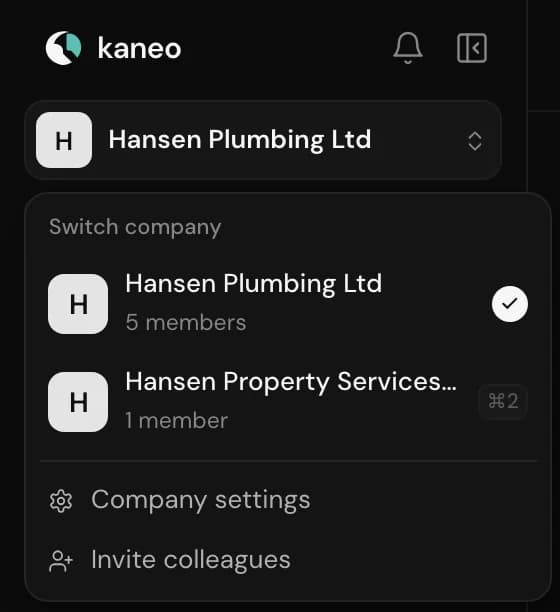
Choose the company 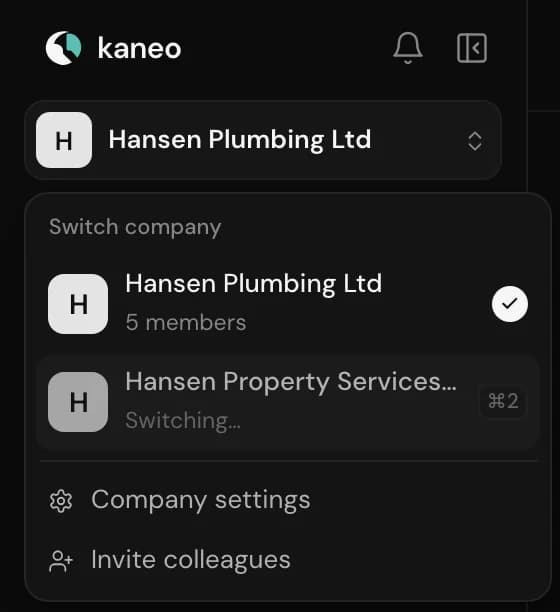
Kaneo switches 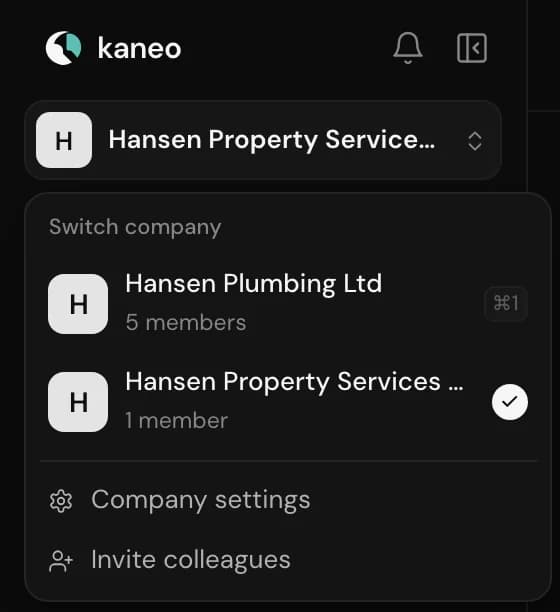
You are in the other one
One login.
All your companies.
If you have more than one company, you use the same login for all of them. You work in one at a time and switch at the top of the menu.
How it worksSame login.
Same login.
Kept separate.
Each company has its own setup. Only your login, your name and your language follow you.
Nothing is shared across
Enquiries, email accounts, Neo and settings belong to the company you are in.
Your role in each company
You can be an administrator in one and staff in another.
Billing per company
Each company has its own plan. Whoever creates the company pays for it.
How to get started
A second company can't be created in the app. Contact us and we will help you.

Have more
than one company?
Write to us and we will work it out together.
Questions? Write to kontakt@kaneo.dk